Have you ever found yourself in this situation: when you want AI to generate an image, you first spend ages typing parameters into the input box—lens, aperture, style, lighting...Just translating your idea into "photography parameters" is enough to scare off half the people.The Image Assistant was built exactly for this. Hidden in its rules is a table:You speak plain language, it translates into parameters.。
1 See the results it produces
No matter how well the rules are written, seeing the final product is better. Here's a prompt for it:
The result image it generates looks like this:
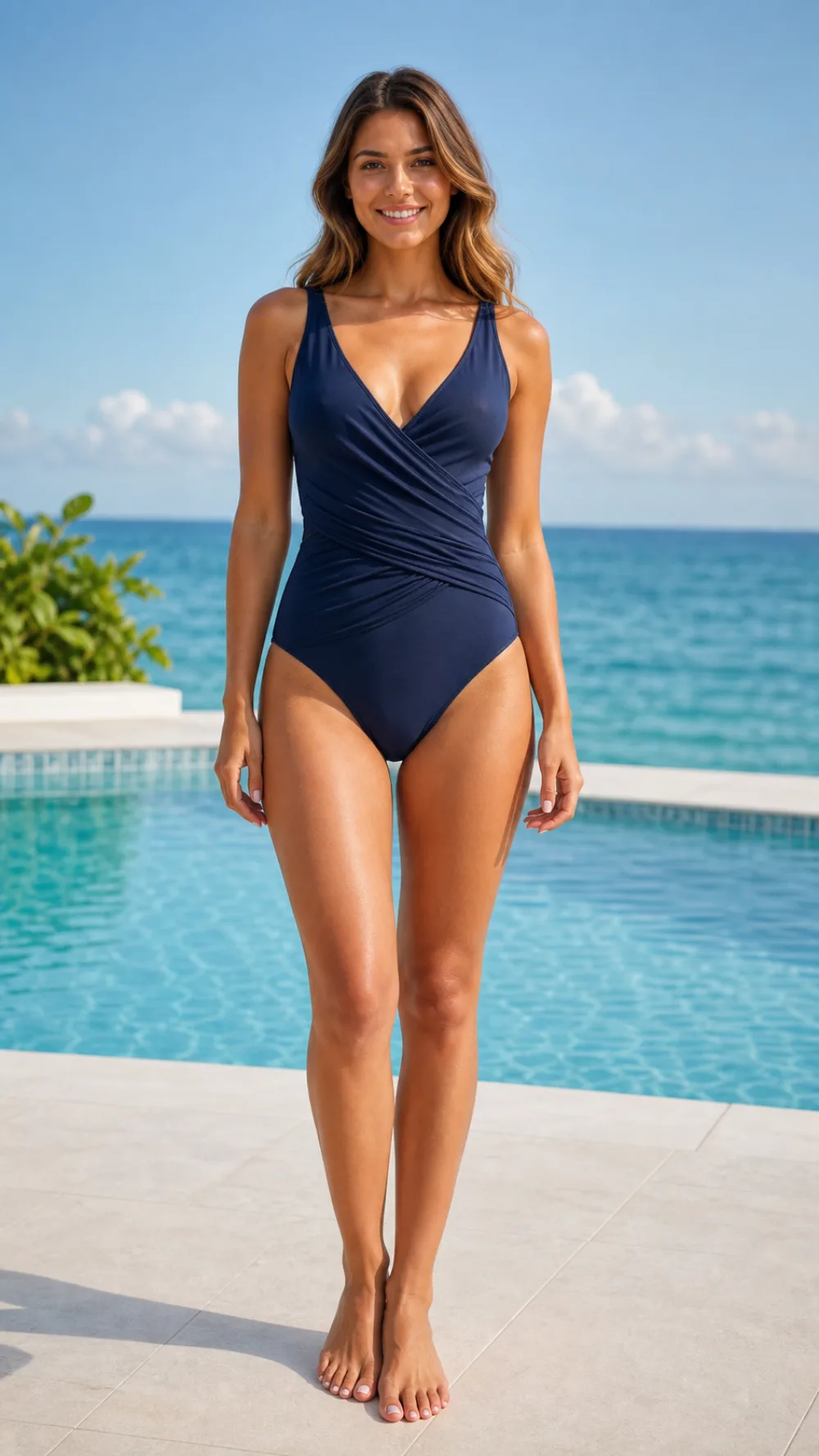
The golden hues of dusk, backlit silhouettes, the grain of Hasselblad film—That "feeling" you asked for—it hits it on the first try.Below, we break down how it manages to do that.
2 One assistant = a set of rules. This time, what's packed inside is the "photography parameter table".
The Image Assistant's rules differ from the Morning Brief Assistant mentioned in the previous article: it doesn't just lock down the output format, butcontains a built-in automatic mapping table from keywords to photography parameters.。
The workflow is written as a fixed five steps:
1. Receive the prompt.— You just describe the image in plain language. 2. Extract keywords— It picks out subject, scene, style, and mood from your words. 3. Auto-match parameters— It translates keywords into lens, aperture, camera, and color using a built-in table. 4. Confirm or generate directly— If the settings are clear enough, it generates the image directly; if ambiguous, it asks a single question (e.g., "portrait or full-body?") without interrupting you. 5. Report and iterate— After generating, it tells you where it's saved and what's in the image; if you're not satisfied, it keeps revising.
The most valuable part of the rule is that table; here are the core rows:
TEXT
Keywords → Photography parameters (auto-match)
Portrait → 85mm / 135mm prime, f/1.8–2.8 large aperture bokeh
Landscape → 24mm wide-angle, f/8–11 small aperture for deep depth of field
Street photography → 35mm, f/2–4, candid feel
Still life → 100mm macro, f/2.8, fine texture
Macro → 90mm, f/2.8, extremely shallow depth of field
Architecture → 16–24mm ultra-wide-angle, f/8, vertical lines
Starry sky → Ultra-wide-angle, f/1.8–2.8, high ISO
Pet action → 70–200mm telephoto, f/2.8, high-speed shutter
Style → Hasselblad | Kodak Portra 400 | Anamorphic widescreen 2.39:1 | Fuji Japanese-style | Leica B&W | Studio | Cyberpunk | Minimalist negative space
Atmosphere → Golden hour at dusk | Blue hour at dawn | Dreamy soft-focus mist | Dark low-key lighting | Warm cozy light | Cold blue-gray white balance
There is one more priority rule pinned at the very top:The equipment parameters you explicitly provide always take precedence over the matches in the table.— the rules do not override the user's decision.
3. Image generation process, step by step
Next is a real generation process. Every step below is an actual screenshot of the assistant at work.
Step 1: Enter the prompt, and the assistant begins parsing it:
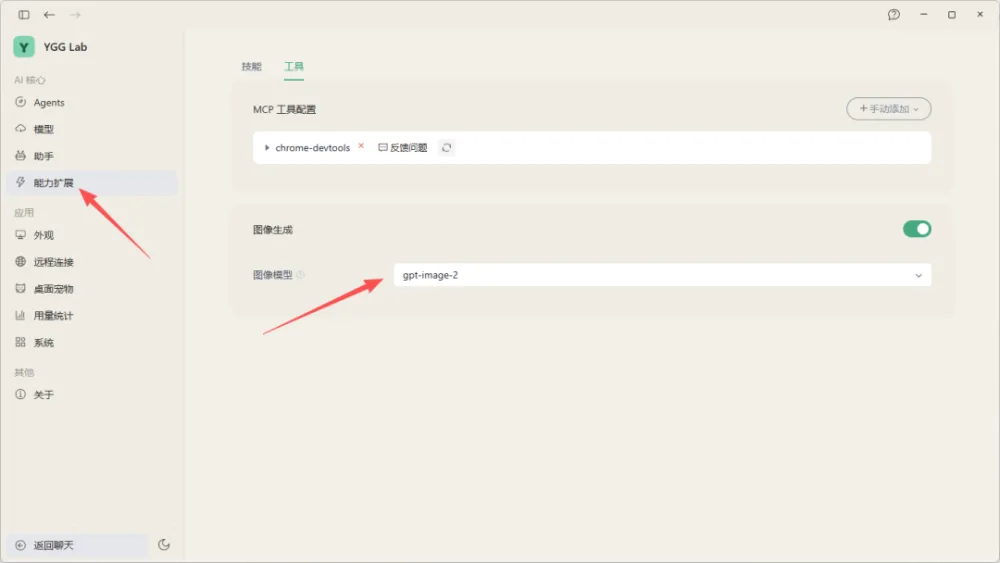
Step 2: It translates keywords into photography parameters and lists the matching results:
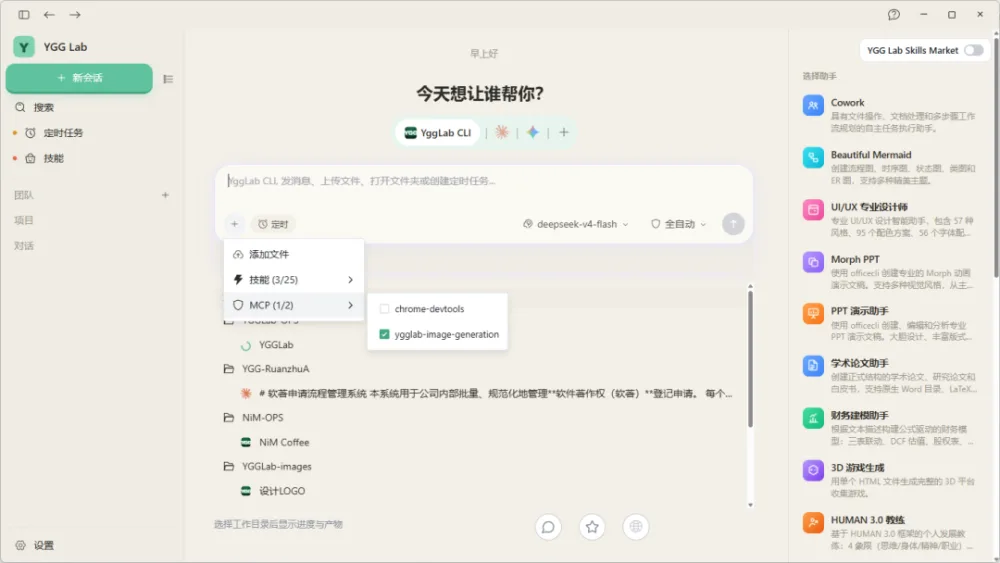
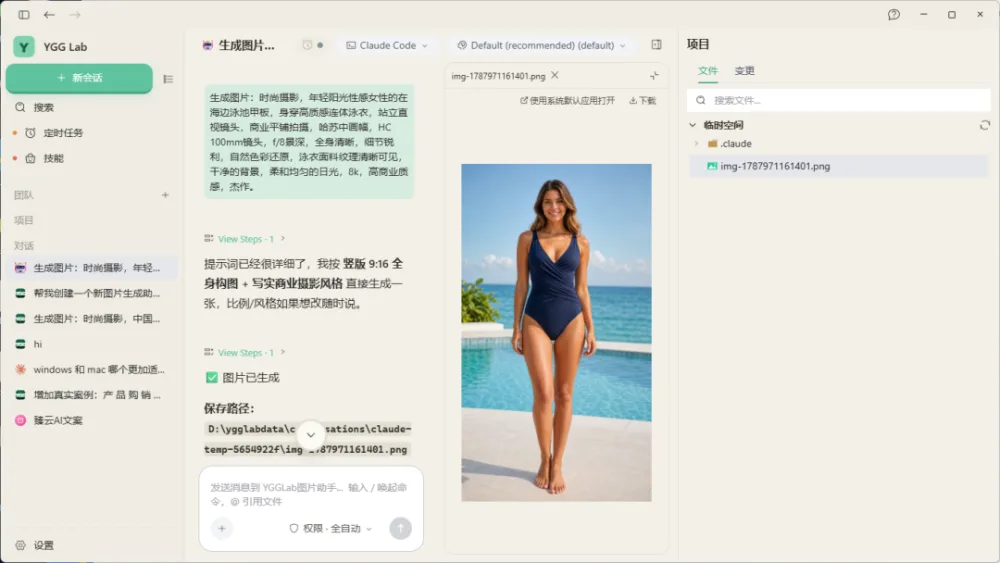
Step 3: The settings are clear; after confirmation, it goes straight into generation:
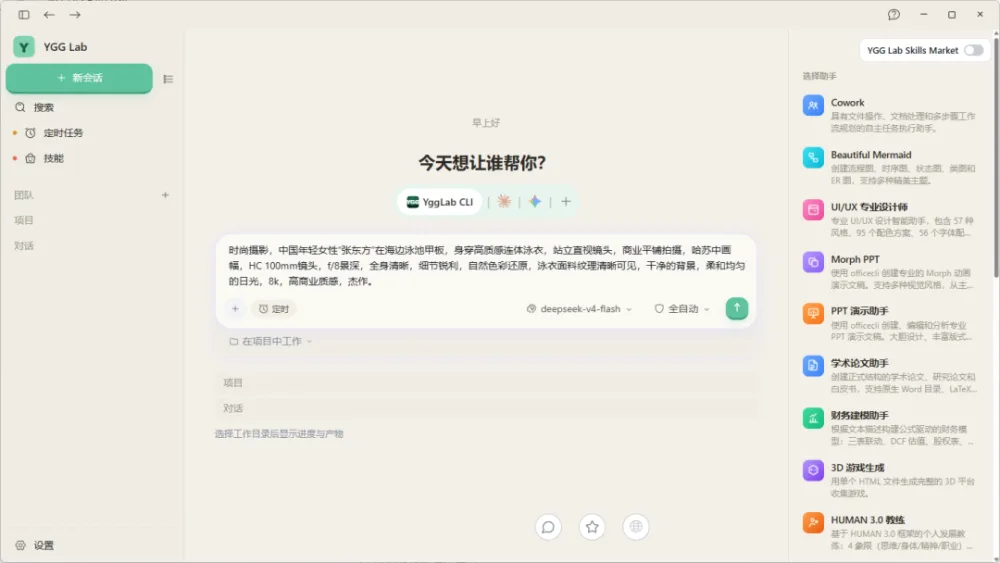
Step 4: Generation is complete, and the assistant reports the save path:
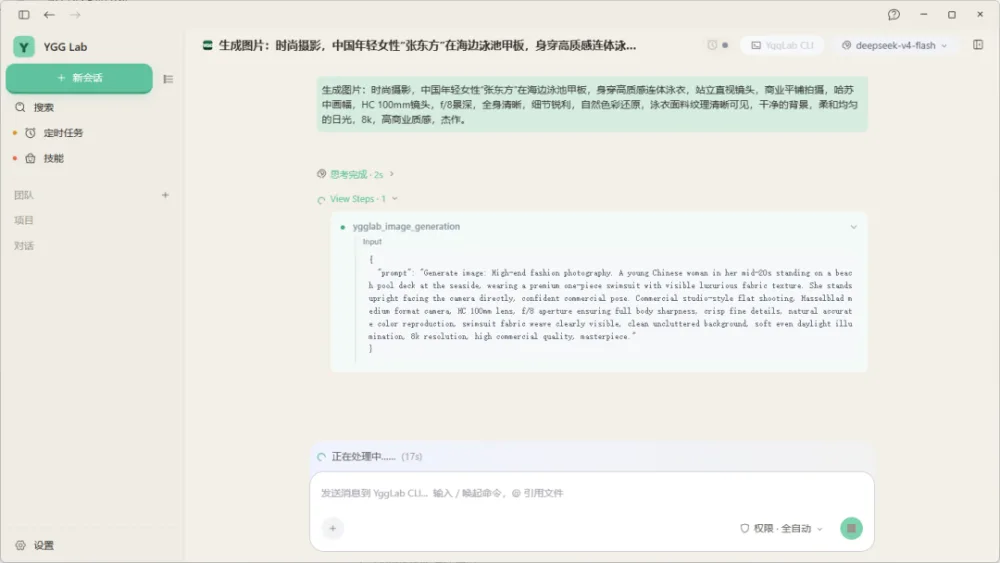
Step 5: It describes the image content to confirm it matches expectations:
Not just this one. With the same set of rules, change the prompt and run the full process again:
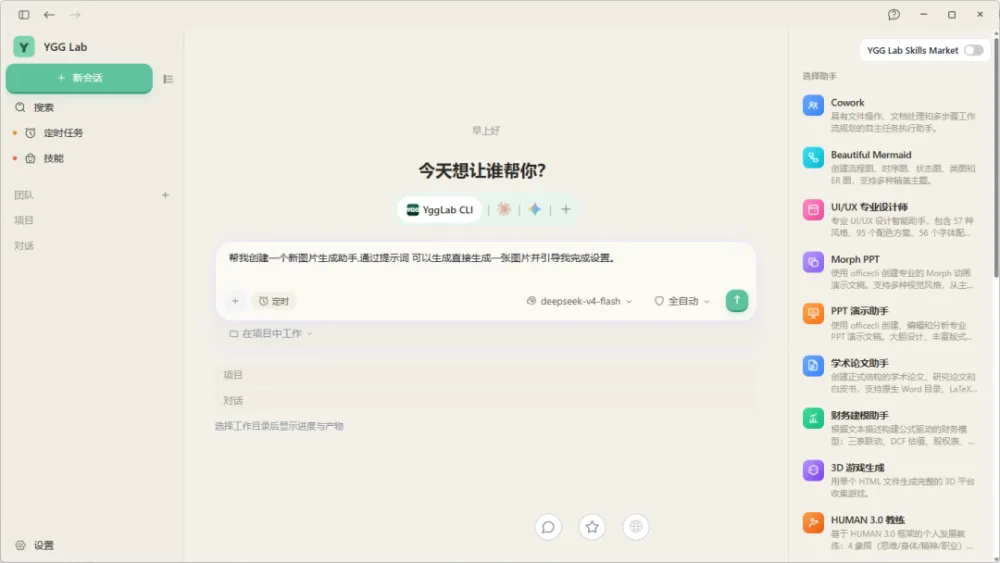
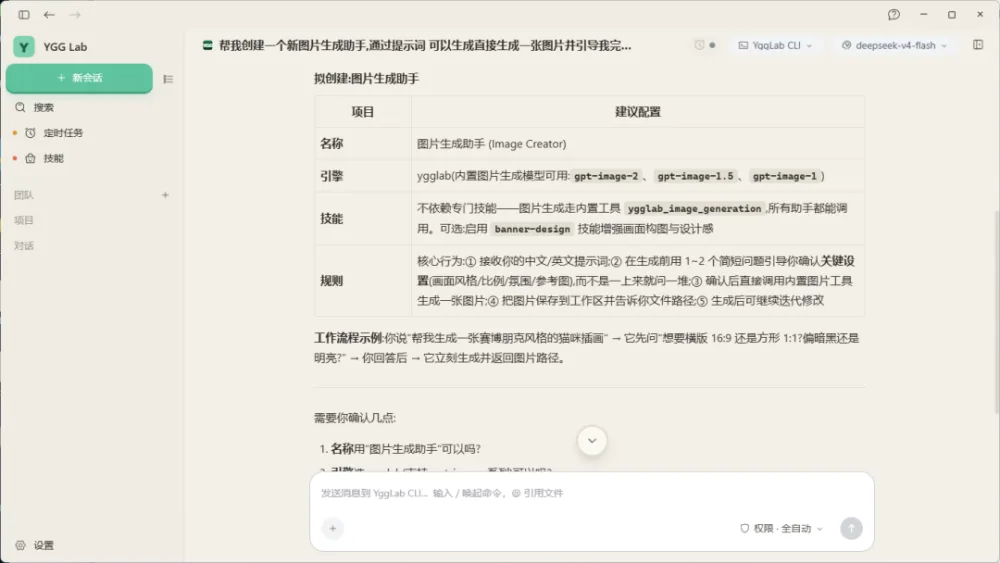
See the pattern?Each time it generates an image, it automatically completes four tasks: "translate parameters → confirm → generate → report". You only need to describe the image; leave the rest to the rules.
4. The rules contain no "technical details," only "how to translate your words."
Looking back at the image assistant's rules, you'll find it barely writes about "how to use the model" — you don't need to worry about that. What it writes is alltranslation logic:
- When you say "portrait", it knows to use 85mm, f/1.8, because the rules say portrait → 85/135mm f/1.8–2.8. - When you say "film look", it knows to choose Kodak Portra 400, because the rules include a style table. - When you say "dusk", it knows to use golden-hour light, because the rules include an atmosphere table. - When you say "50mm f/4", it directly follows you, because the priority rule is at the top.
This is what rules should look like:Align in advance what you'll say with what it should understand. Next time you don't need to re-teach it; select this assistant and just speak plainly.
5 How to use after building
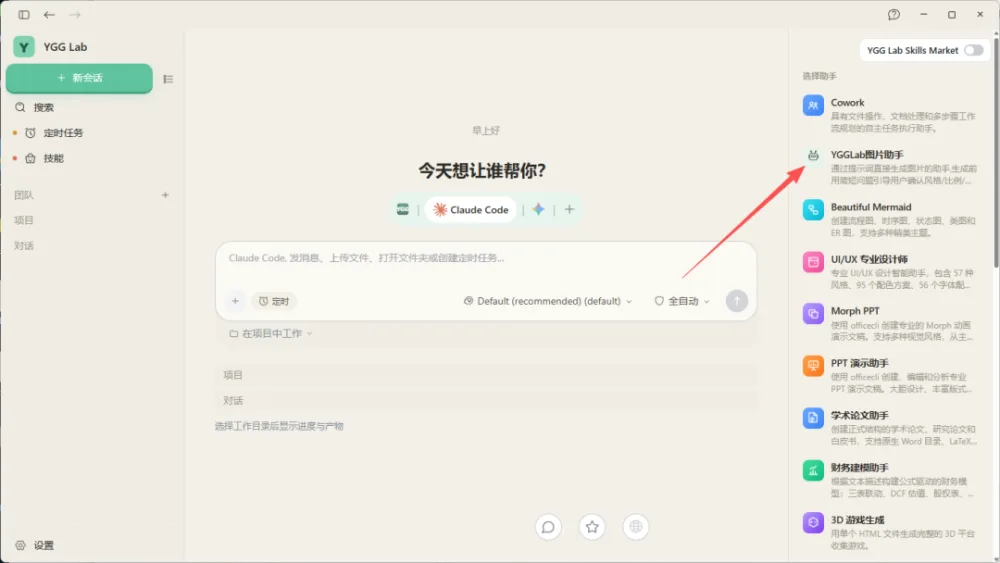
Go back to the new conversation page, select "YGGLab Image Assistant" in the assistant area, and then just ask normally —Parameter matching is already working behind the scenes, you don't need to memorize lens tables anymore.
Here are three more tips for you:Writing "translation table" in the rules is much more useful than writing "be professional", and by pinning down the wording, the results become stable;Making the rules guess is worse than making them confirm, if there is ambiguity, clarify in one sentence; don't let it guess randomly.The user has the final say, explicit parameters always take priority; rules are assistants, not the boss.
In the previous article, we explained the five fields of "Create Assistant"; this article shows another type of thing that rules can contain—a set of industry knowledge. Next time, we'll talk about turning an entire workflow into a skill—install once, and it's available to all assistants.
20+ Agents are ready, waiting for you to assign tasks.